
While some aspiring developers burn over $30 a month on subscriptions just to keep their study environment distraction-free, others are paying less than $10 for the exact same setup. Same ad-free tutorials. Same high-quality focus playlists. Drastically different price tag.
I have a confession. For the first six months of teaching myself to code, I did it the hard way. I sat through unskippable ads in the middle of complex React tutorials. I let Spotify ads break my flow state every 15 minutes. I told myself I was “saving money” by not paying for premium.
I was wrong. Honestly, I was paying with my attention span, which is the only currency that actually matters when you’re trying to learn Python at 2 AM.
Today, I’m going to walk you through the “Unfair Advantage” tech stack that smart self-taught devs are using. It’s how you get YouTube Premium and Spotify Premium at student pricing – even if you haven’t set foot in a classroom in a decade.
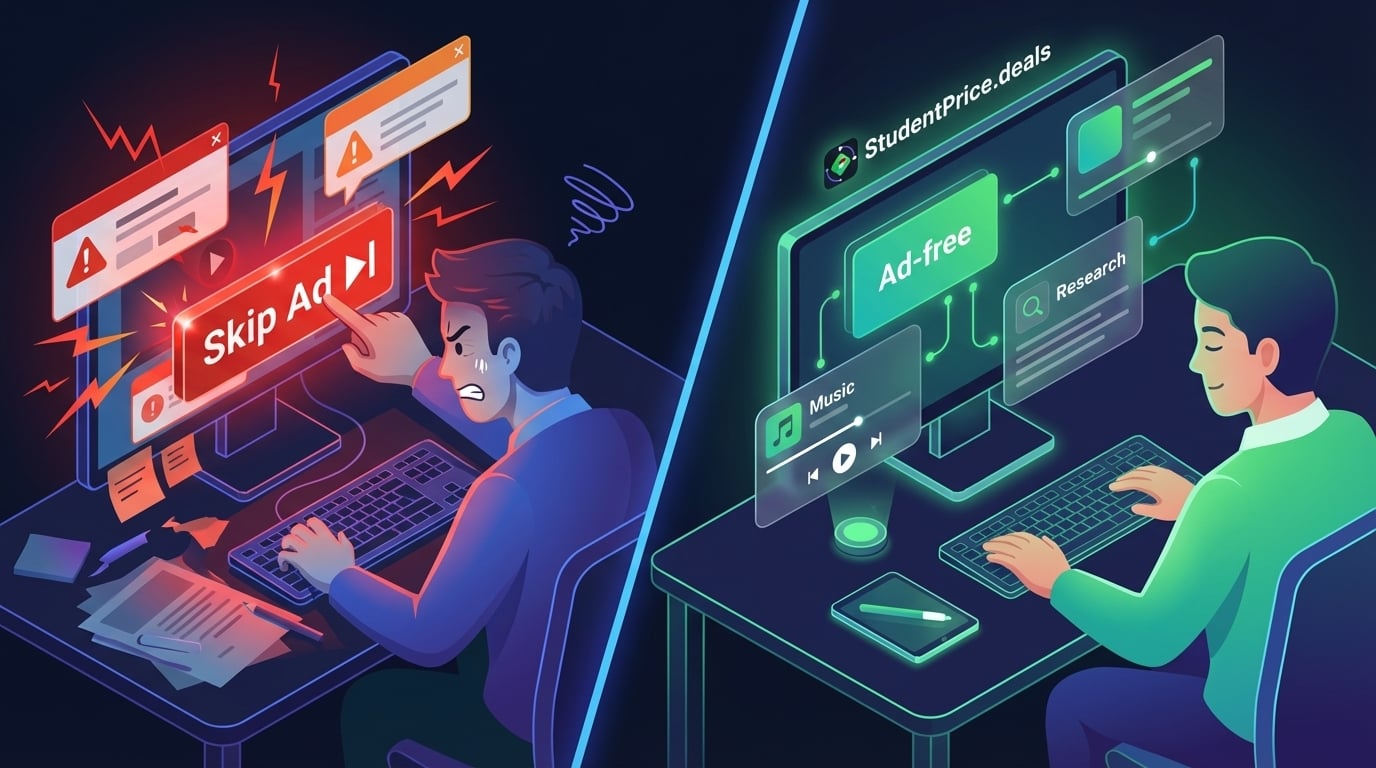
Why is ‘Deep Work’ so expensive for self-taught devs?
If you’re skipping the $15,000 bootcamp to teach yourself, you’re already smart with your money. But the ecosystem is rigged against you. To get a professional, distraction-free learning environment, you’re expected to pay retail prices for every single tool.
It adds up fast:
- YouTube Premium: $14/month (Essential for tutorials)
- Spotify Premium: $12/month (Essential for focus music)
- Total: ~$312 per year.
That’s over three hundred dollars just to turn off the noise. For a broke student or a career switcher living on a budget, that’s a serious barrier. But here’s the thing: university students get these exact same tools for about 50-60% off. It creates a two-tier system where the people who need the savings most (self-taught devs) often pay the most.
Does ad-free YouTube actually make you a better coder?
This might sound dramatic, but yes. completely.
Picture this: You’re 45 minutes into a complex system design tutorial. The instructor is explaining how to handle race conditions in your database. You’re finally grasping the concept. Suddenly – bam. A loud, jarring ad for car insurance blasts through your headphones.
Your mental stack creates a buffer overflow. By the time you skip the ad, you’ve lost the thread. You have to rewind 30 seconds. You’re frustrated.
Coding is about maintaining context. Ads are context destroyers.
Every senior dev ever
With YouTube Premium at student pricing, you get background play (listen to lectures while commuting) and zero interruptions. It turns YouTube from an entertainment platform into a legitimate learning management system.
How do I get ‘Student’ status without a university email?
This is the question everyone asks. Usually, it’s followed by, “Is this sketchy?”
Here is the pragmatic reality. Official verification systems like SheerID are strict gatekeepers. They want a current class schedule, a dated transcript, or an active.edu email login. If you’re self-taught, you don’t have those.
That’s where StudentPrice.deals acts as the bridge. We handle the verification via SharedID. We don’t sell you the software account; we sell the service of getting your personal account verified.
The Process is surprisingly simple:
- You pay a small one-time fee (e.g.$5 for YouTube).
- We provide a SharedID link.
- You paste that link into the verification field on the official site.
- Approved. Now you pay the discounted rate (~$7-8/mo) directly to Google or Spotify.
Not gonna lie, when I first found this, I thought it was too good to be true. But it’s just using the existing systems to democratize student pricing for everyone who is actually learning.

Is the ‘Unfair Advantage’ stack actually worth the hassle?
Let’s look at the numbers. As a developer, you should appreciate a good ROI calculation. Is it worth paying a small setup fee to get these savings?
| Tool | Regular Price | Student Price (via Us) | 1-Year Savings |
|---|---|---|---|
| YouTube Premium | $168/year | ~$96/year | $72 saved |
| Spotify Premium | $144/year | ~$72/year | $72 saved |
| Total Stack | $312/year | ~$168/year | $144 saved |
You save nearly $150 a year. That’s enough to buy a domain name, hosting for your portfolio, and maybe even a celebratory pizza when you land your first client. Plus, you never have to deal with verification paperwork again. We handle it.
What else should I add to this stack?
Once you’ve secured your focus with YouTube and Spotify, the next bottleneck is usually information retrieval. Googling error messages is so 2023.
If you really want to speed up your learning curve, consider adding Perplexity Pro or Gemini Advanced to the mix. Getting instant, cited answers to “Why is my useEffect causing an infinite loop?” is worth its weight in gold.
⚡ Quick Hack: Managing Digital Finances
Since you’re improving your digital stack, here’s a tip for managing payments, especially if you’re into crypto or international transactions. Check out Kolo. It’s a solid non-custodial wallet that gives you a virtual card for spending crypto directly via Apple Pay or Google Pay. Perfect for separating your “tech stack” budget from your main bank account.
Ready to build your stack?
You don’t need a student ID card in your wallet to get treated like a student online. You just need the right link. Stop letting ads interrupt your learning and stop paying the “non-student tax.”
Check your eligibility below, grab the Total Access Bundle if you want the full suite, and get back to coding.